
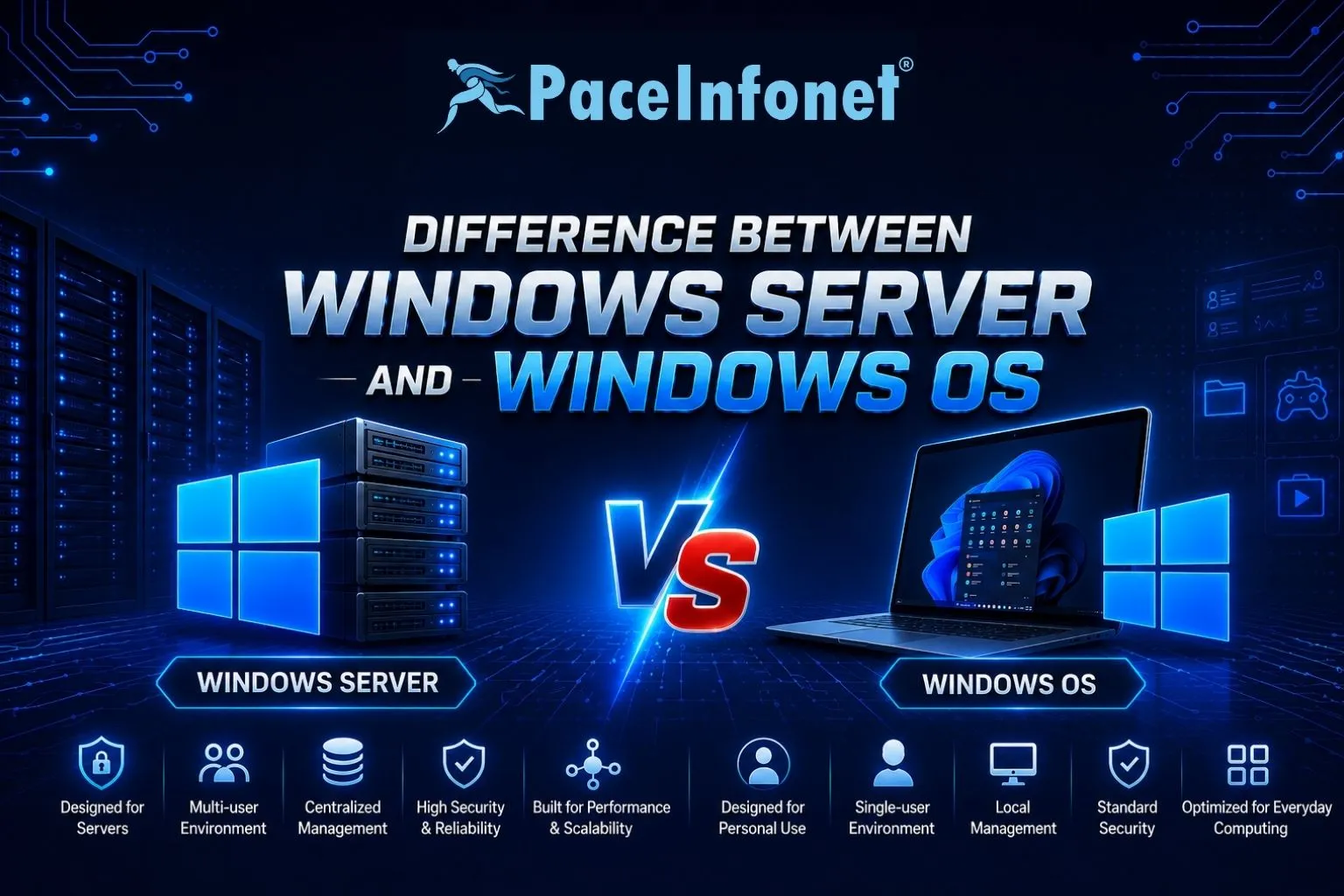
Choosing the right operating system is an important decision when setting up your IT infrastructure. While both Windows Server and Windows OS are developed by Microsoft, they are designed for different purposes. Windows OS is built for everyday personal and business computing, whereas Windows Server is designed to manage networks, applications, users, and business-critical services. Understanding the differences helps businesses select the right platform for their requirements.
Windows Server vs Windows OS
- Windows OS — Windows OS is designed for desktop and laptop computers used by individuals and businesses. It provides a user-friendly interface for everyday tasks such as web browsing, office applications, multimedia, gaming, and general productivity. Versions like Windows 11 Pro are ideal for workstations but are not intended to manage enterprise networks or server workloads.
- Windows Server — Windows Server is an enterprise-grade operating system built to host websites, applications, databases, file sharing, virtualization, and network services. It supports advanced features such as Active Directory, DNS, DHCP, Remote Desktop Services, Hyper-V virtualization, and centralized user management.
- Performance and Hardware Support — Windows Server is optimized for high-performance workloads and supports significantly more RAM, CPU cores, and storage than Windows OS. It is designed to run continuously with maximum reliability in business environments.
- Security Features — While both operating systems include Microsoft’s security technologies, Windows Server offers enterprise-level features such as Group Policy, Windows Server Update Services (WSUS), role-based administration, and advanced access controls.
- User and Network Management — Windows Server enables centralized management of users, computers, permissions, and network resources through Active Directory. Windows OS is designed for individual devices and lacks centralized enterprise administration.
- Website and Application Hosting — Windows Server can host websites using IIS, business applications, databases, cloud services, and enterprise software. Windows OS is not intended for continuous hosting or large-scale server applications.
- Windows Server Setup and Installation — Proper server setup includes preparing hardware, creating installation media, installing Windows Server, configuring network settings, enabling required server roles, and applying the latest security updates. Installing only the necessary roles improves both security and performance.
| Feature | Windows OS | Windows Server |
|---|---|---|
| Purpose | Personal & Business Computing | Business Servers & Network Management |
| User Management | Single Device | Centralized with Active Directory |
| Website Hosting | Limited | Fully Supported with IIS |
| Performance | Desktop Workloads | Enterprise-Level Workloads |
| Hardware Support | Standard RAM & CPU Limits | Supports Large RAM & Multi-Core CPUs |
| Virtualization | Limited | Hyper-V & Enterprise Virtualization |
| Ideal For | Home & Office PCs | Businesses, Data Centers & Hosting |
Why Choose Windows Server?
- Centralized User Management — Easily manage users, devices, permissions, and policies from a single location.
- Enterprise Security — Protect your infrastructure using advanced security tools and access controls.
- Website & Application Hosting — Host websites, databases, email servers, and business applications reliably.
- Virtualization Support — Run multiple virtual machines efficiently with Hyper-V technology.
- Scalability — Expand server resources as your business grows without compromising performance.
- Business Reliability — Built for 24/7 uptime and mission-critical business workloads.
Conclusion
Windows OS is an excellent choice for personal computing and office workstations, while Windows Server is specifically designed to manage business infrastructure, host websites and applications, and support enterprise networks.
If your organization requires centralized management, virtualization, website hosting, or advanced security, Windows Server is the ideal solution. Selecting the right platform ensures better performance, stronger security, and greater scalability as your business grows.
If you need Windows Server without buying hardware, a Windows cloud server in India gives you a licensed Windows Server with full Remote Desktop access.
Have questions about Windows Server setup, server installation, website hosting, VPS hosting, or IT solutions?