
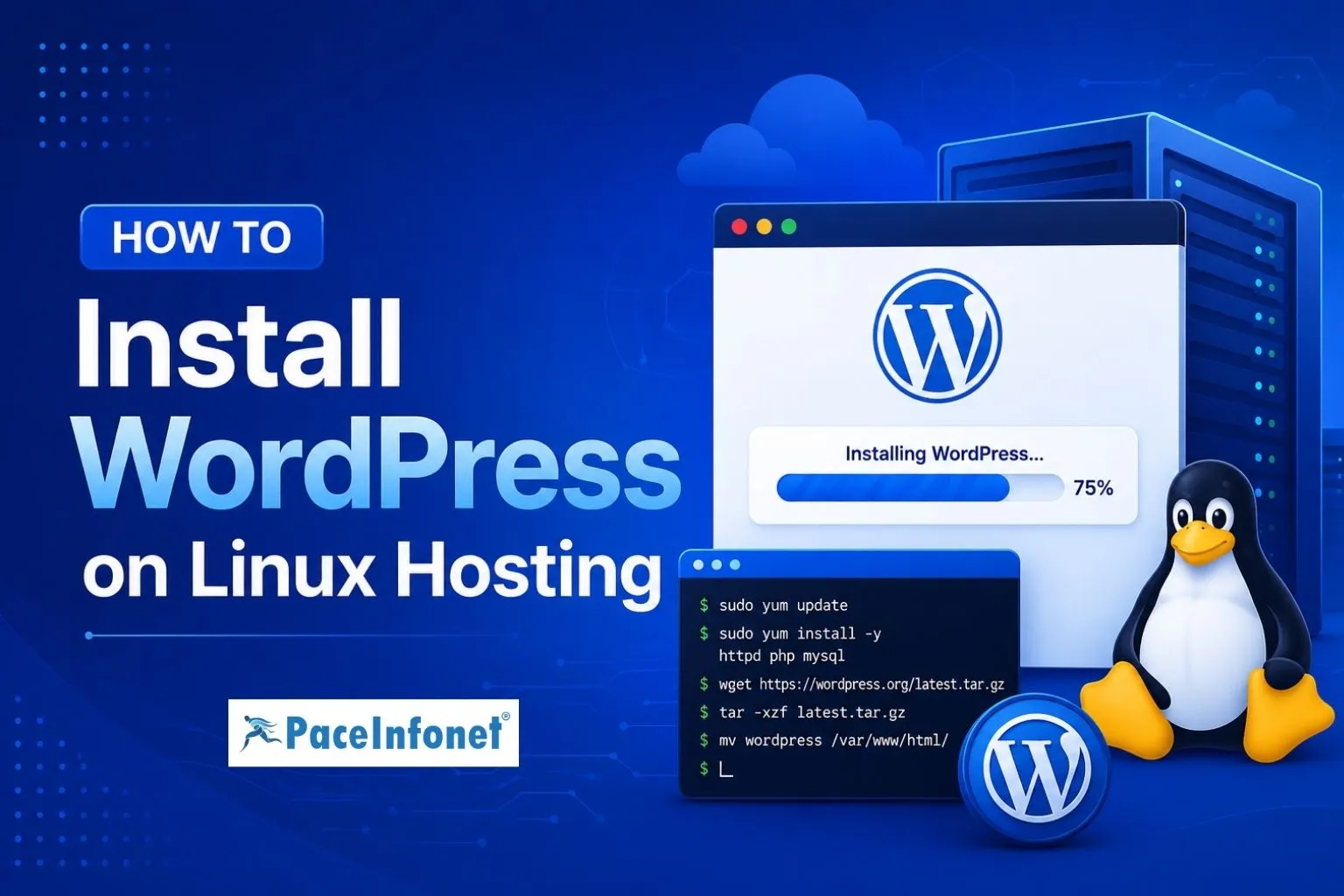
Install WordPress on Linux Hosting: A Simple Step-by-Step Guide
WordPress is one of the most popular content management systems (CMS) for building websites, blogs, and online stores. Installing WordPress on Linux hosting is a straightforward process and can be completed in just a few steps. Whether you’re launching a new website or migrating from another platform, Linux hosting provides a reliable environment for WordPress.
Steps to Install WordPress on Linux Hosting
- 1. Access Your Hosting Control Panel — Log in to your hosting control panel, such as cPanel or DirectAdmin. Most Linux hosting plans provide access to tools needed for website and database management.
- 2. Create a MySQL Database — Before installing WordPress, create a MySQL database and database user. Make sure to save the database name, username, and password, as they will be required during installation.
- 3. Download and Upload WordPress — Download the latest version of WordPress from the official website and upload the files to your website’s public directory, usually the public_html folder.
- 4. Configure WordPress Files — Extract the uploaded files and update the wp-config.php file with your database details, including the database name, username, password, and host information.
- 5. Run the Installation Wizard — Open your domain name in a web browser. The WordPress installation wizard will appear, guiding you through the setup process, including site title, administrator username, password, and email address.
- 6. Complete the Installation — Once the setup is finished, log in to the WordPress dashboard and begin customizing your website by installing themes, plugins, and adding content.
Quick Installation Overview
| Step | Action | Purpose |
|---|---|---|
| 1 | Access Hosting Panel | Manage website files and databases |
| 2 | Create MySQL Database | Store WordPress website data |
| 3 | Upload WordPress Files | Install WordPress on hosting |
| 4 | Configure wp-config.php | Connect WordPress to database |
| 5 | Run Installation Wizard | Set up website details |
| 6 | Login & Customize | Build and manage your website |
Benefits of WordPress on Linux Hosting
- Easy Website Management — WordPress offers a user-friendly dashboard for managing websites.
- Fast and Reliable Performance — Linux hosting delivers stability and efficiency.
- Strong Security Features — Regular updates and security tools help protect your website.
- Thousands of Themes and Plugins — Easily customize your website’s appearance and functionality.
- SEO-Friendly Structure — WordPress is built to support better search engine visibility.
Conclusion
Installing WordPress on Linux hosting is a simple process that allows you to create a professional website quickly. With the right hosting environment and proper setup, WordPress provides a flexible and scalable platform for businesses, bloggers, and developers.
By following these steps, you can launch your website efficiently and take advantage of everything WordPress has to offer.
Need help with Linux Hosting, WordPress Hosting, or Website Setup?